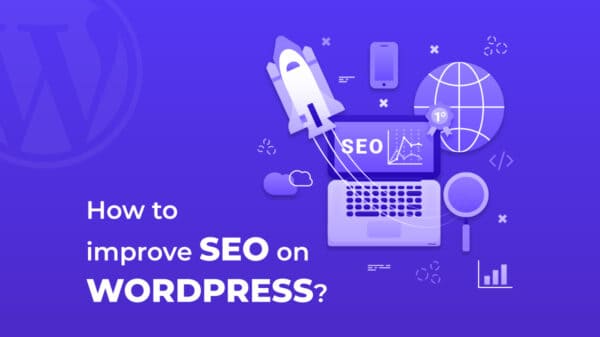







































































































































 While bloggers have countless choices when it comes to the software they use, WordPress tends to be the one that many finally decide on. So what makes the WordPress CMS so different? To begin with, it is effective when building a site that you hope will deliver a very high impact. Simple to employ, it creates professional work every time. WordPress delivers the biggest advantage by helping you when it comes to attracting a much higher quantity of visitors towards your website. When you want to boost your search engine rankings, you want the type of features that come bundled in WordPress. However, you must understand how to best use WordPress SEO in order to maximize your success. Your WordPress blog has certain settings that need to be toggled in order to get the most out of what it can do for you. The odds of securing the upper placements from the great search engines, such as Google, rapidly go up once you concentrate on perfecting the tiny, yet critical, details. While most types of traffic that your website receives will be beneficial, this article will help you discover why utilizing the SEO benefits of WordPress will increase free, organic traffic from web searches.
The post title is the most important part of your WordPress blog when dealing with SEO, which is why it’s important to structure it the right way with targeted keywords. Such keywords must be involved in the comments of your post, and not just used in the titles. Your titles have to be unique and shouldn’t be repeated anywhere on your site because if they are, then the search engine’s would be confused when ranking your pages. Before you write your post titles, keep a list of keywords that are relevant to your site on hand which you can choose from. In addition to employing keywords that are specifically targeted, the title of your post needs to be inviting and exciting. When your potential visitor first sees your site link in the search engine results, your post title will be the very first thing that they’ll notice. Titles should be reader friendly and simple to comprehend. You can’t be vague with your titles, be very clear so that you achieve your objective easily.
You want to get indexed by Google? The best way to guarantee that is to have a Sitemap. Your indexing process will be able go much more quickly if you choose to utilize a plug-in for generating your Google Sitemap listing. This enables Google to easily find all of your site’s pages. It is also important to ping your news to other websites whenever you add new content to your site. When your posts are linked back by another blogger, you get some targeted visitors. The exposure from that is explosive and incredible. So take advantage of that. Whenever you post, ping immediately afterward.
When you write some new content, if it has any bearing on earlier material, then link to it. This will keep older content active and also help new visitors. To do this effectively, you can use a plug-in which will list related posts under each new post. Additionally, the number of related posts can be changed; this will give the search engines a more efficient way to archive your content.
If your goals are to have both your readers and the search engines happy, just be sure to use the tips offered in this article. I have created WordPress blogs for both fertility acupuncture San Francisco and for auto glass replacement with fantastic results. For useful knowledge and insight in the sphere of getting free website traffic – make sure to follow all the advice given. Meanwhile, here are 20 useful cheatsheets that you can use for your website design. The time has come when proper information is really at your fingertips, do not miss out – take advantage fo the opportunity.